
Brake systems · Anti-lock brake system · Connecting VAS 5051 and selecting functions
Connecting -VAS 5051- and selecting functions
Special tools and workshop equipment required
- Vehicle diagnostic, testing and information system - VAS 5051-

- Diagnostic cable -VAS 5051/1- or -VAS 5051/3-

- Plug in connector of diagnostic cable -VAS 5051/1- or - VAS 5051/3- at diagnostic connection -arrow-.
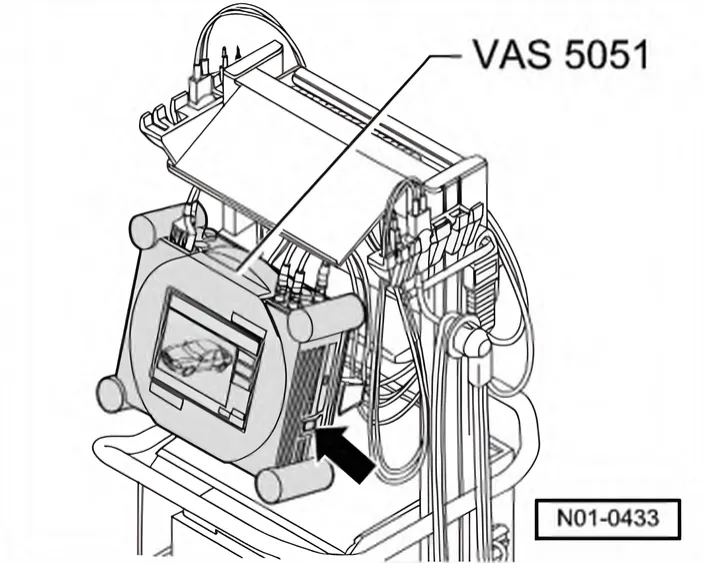
- Switch on tester -arrow-.
The tester is ready for operation when the selector buttons for the operating modes appear on the screen.
- Switch on ignition.
- Touch Guided Fault Finding on screen.
- Select one after another:
- Brand
- Type
- Model year
- Body version
- Engine code
- Confirm data entered.
Wait until tester has interrogated all control units in vehicle.
- Press Go to and select function “Function/component selection”.
- Select “Running gear” on display.
- Select “Brake systems” on display.
- Select “01 Self-diagnosis capable system …” shown on display.
- Select “Anti-lock brake system…” shown on the display.
- Select “Function” shown on display.
Now all possible functions from the anti-lock brake system installed in the vehicle will be displayed.
- Select desired function on display.